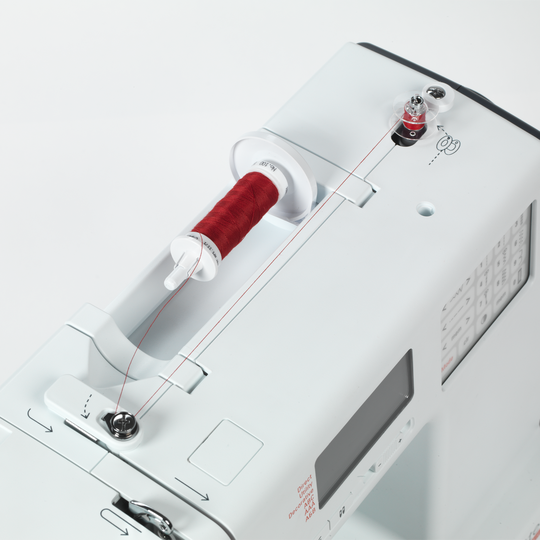
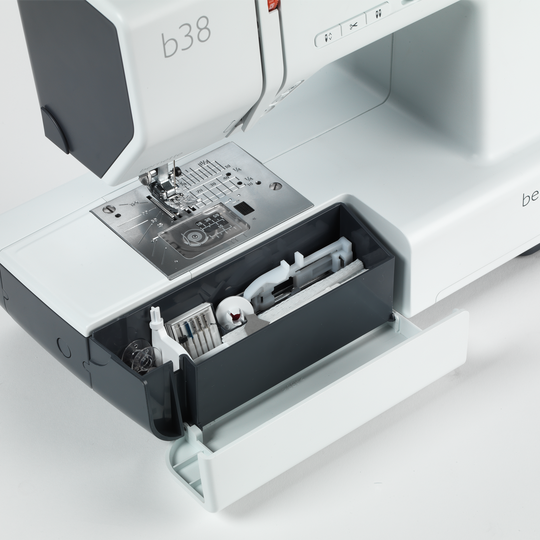
bernette 38
label.item 5260008006
715.00 CHF
label.availability:
  • label.instock

bernette 38
label.item 5260008006
bernette 38 image number

custom-attributes


label.description

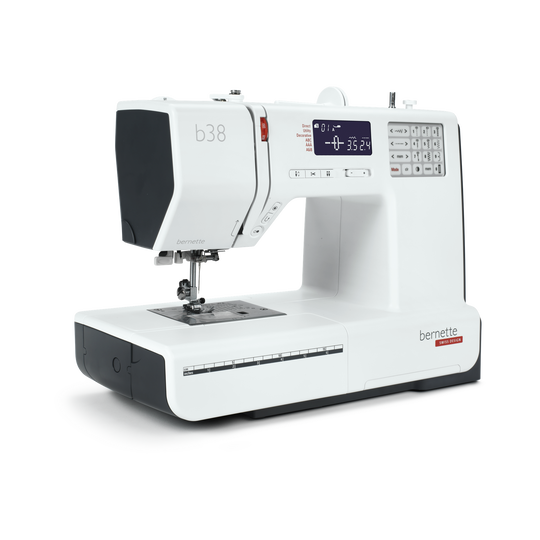
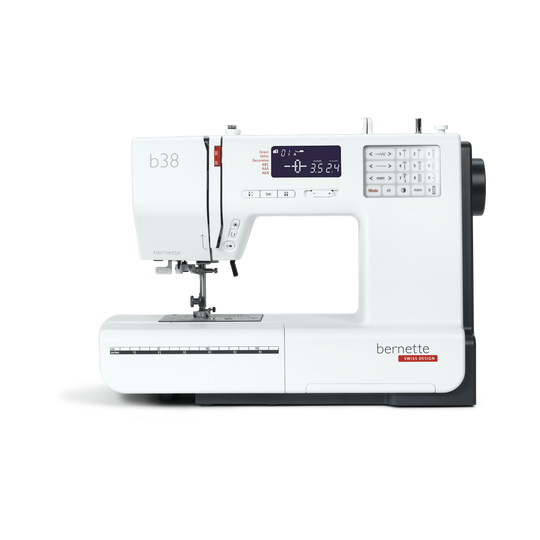
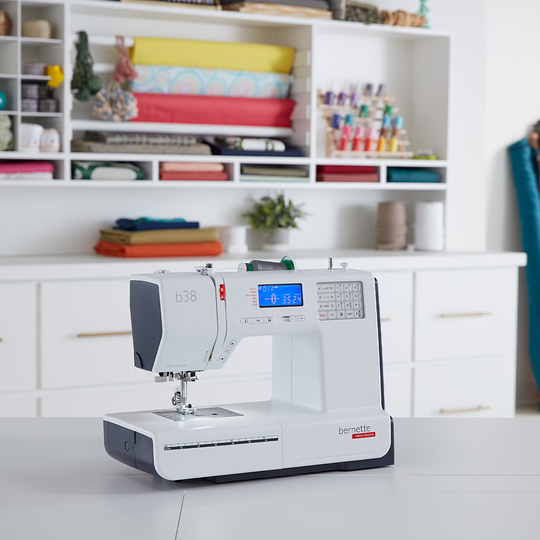
Deine Nähmaschine mit kompaktem Display, die den Faden auf Knopfdruck schneidet


label.attributes

  • Automatischer Fadenabschneider
  • Verstellbarer Nähfussdruck
  • 394 Stiche insgesamt, darunter 67 Zierstiche und 8 Knopflöcher
  • Drei Alphabete
  • Speicherfunktion für Stichkombinationen
null

Automatische Limitierung der Zwillingsnadel


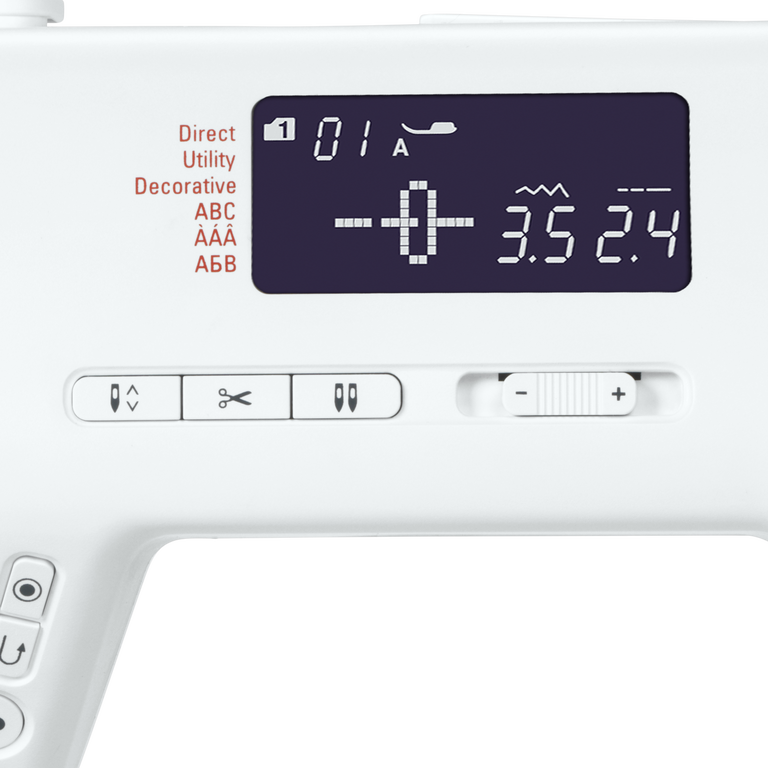
Wenn Du von einer einfachen Nadel zu einer Zwillingsnadel wechselst, hilft Dir die „Zwillingsnadel-Taste“ dabei, Deine Nadel so auf den Nähfuss abzustimmen, dass keine der beiden Nadeln ausversehen beim Nähen den Nähfuss trifft und abbricht. Die Funktion „Zwillingsnadelsicherheit“ limitiert die Stichbreite, damit die Nadeln nicht auf den Nähfuss treffen.
null

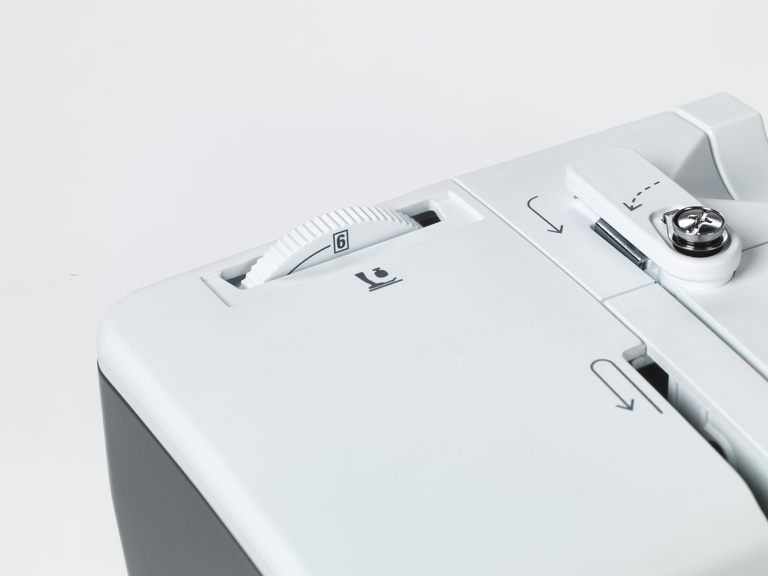
Nähfussdruck dem Material anpassen


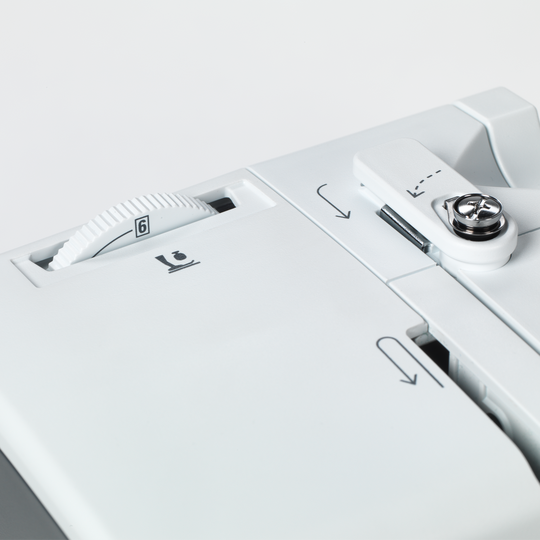
Für einige Materialien, wie zum Beispiel für leichte und dünne Stoffe, ist es ratsam, den Nähfussdruck individuell anzupassen. Deine bernette 38 verfügt über diese praktische Funktion.
null

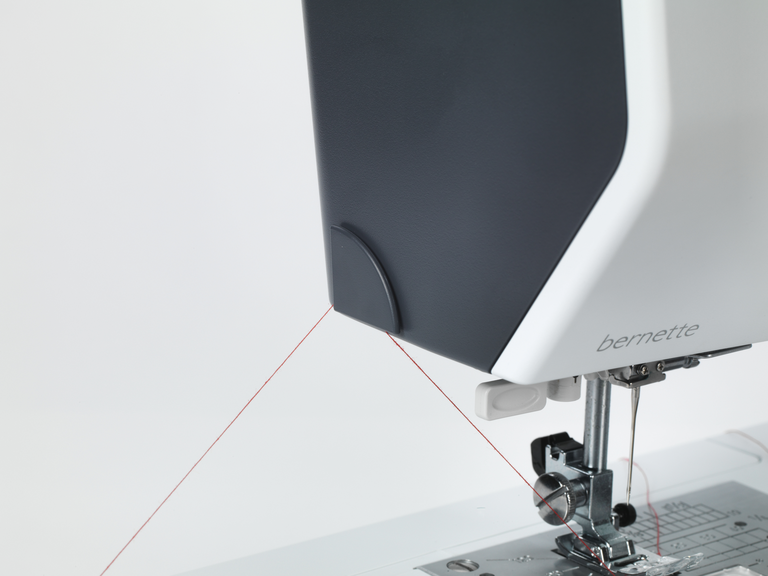
Automatischer Fadenabschneider und Vernäh-Funktion


Wenn Du am Ende einer Naht angekommen bist, musst Du am Ende den Faden vernähen, damit sich die Naht nicht wieder löst. Üblicherweise näht man dafür einmal kurz rückwärts und wieder vorwärts. Mit der bernette 38 kannst Du Dir das jedoch sparen, denn sie verfügt über eine automatische Vernähfunktion. Einfach die Vernäh-Taste anwählen und das Nahtende wird automatisch vernäht. Wenn Du fertig bist mit Deinem Nähprojekt, drückst Du die Taste für den automatischen Fadenabschneider und kannst Dein Nähprojekt ohne Einsatz einer Schere unter der Nadel heraus ziehen.
null

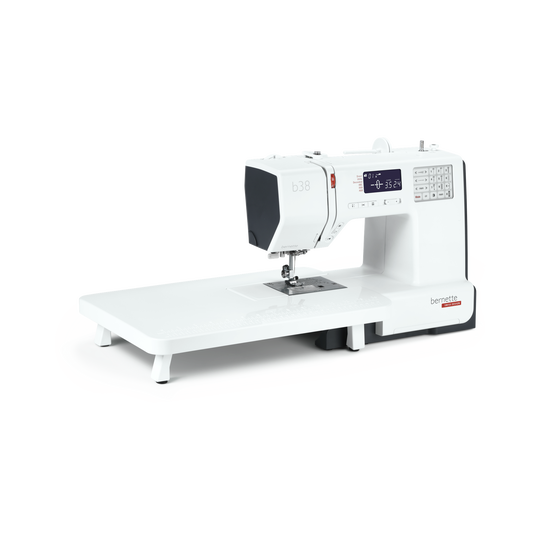
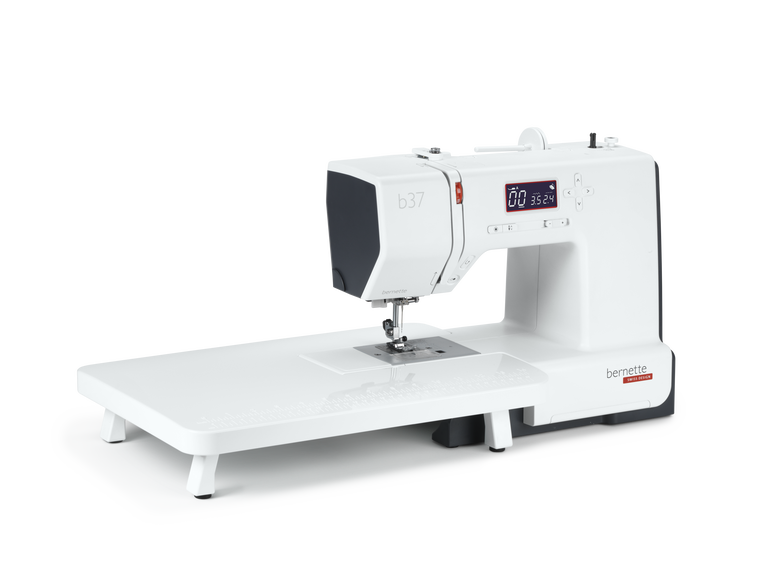
Anschiebetisch für grosse Nähprojekte inklusive


Der mitgelieferte Anschiebetisch lässt sich einfach an Deiner bernette 38 Nähmaschine befestigen und lösen und bietet Dir mehr Platz für grosse Nähprojekte wie zum Beispiel Kleidung, Quilts oder Vorhänge.
null

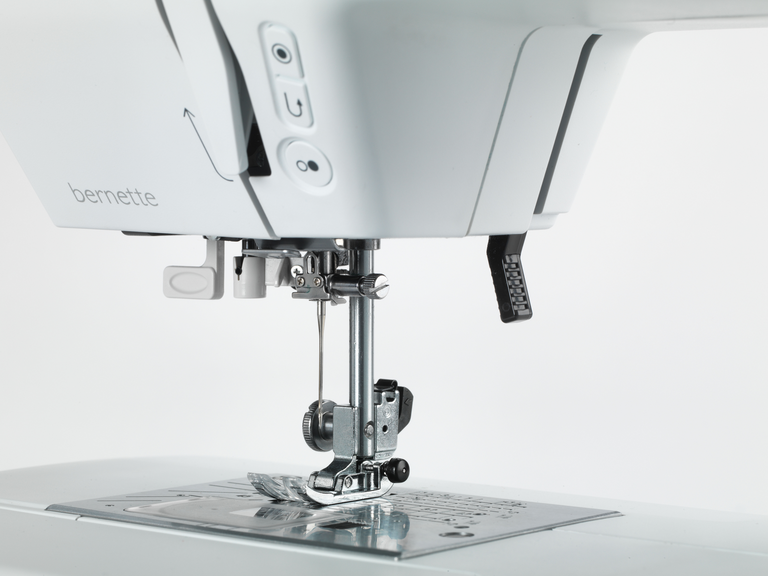
Acht Nähfüsse (Sohlen) inklusive – Für jede Anwendung den passenden Nähfuss


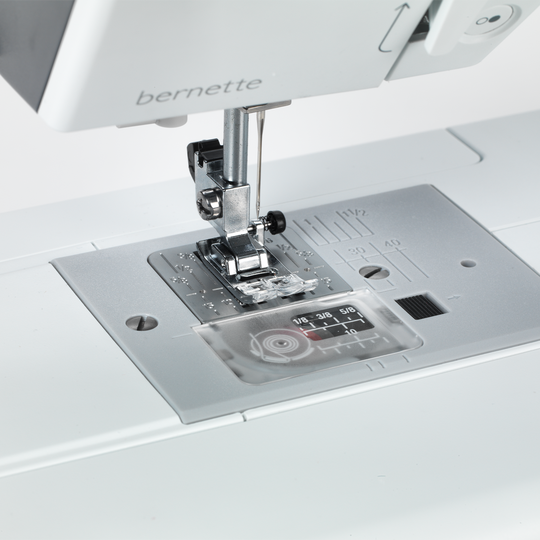
Mit Deiner bernette 38 erhältst Du acht Nähfusssohlen und einen stabilen Nähfussschaft. Je nachdem was Du nähen willst, kannst Du den passenden Nähfuss auswählen. So wählst Du zum Beispiel für Deine Zickzack-Stiche den Zickzackfuss, für die Satinstiche den passenden Satinfuss und für das Knopfloch den Knopflochschlittenfuss aus. Mit den passenden Füssen gelingen Dir Deine Nähprojekte schnell und in guter Stichqualität.


Merkmale & Funktionen
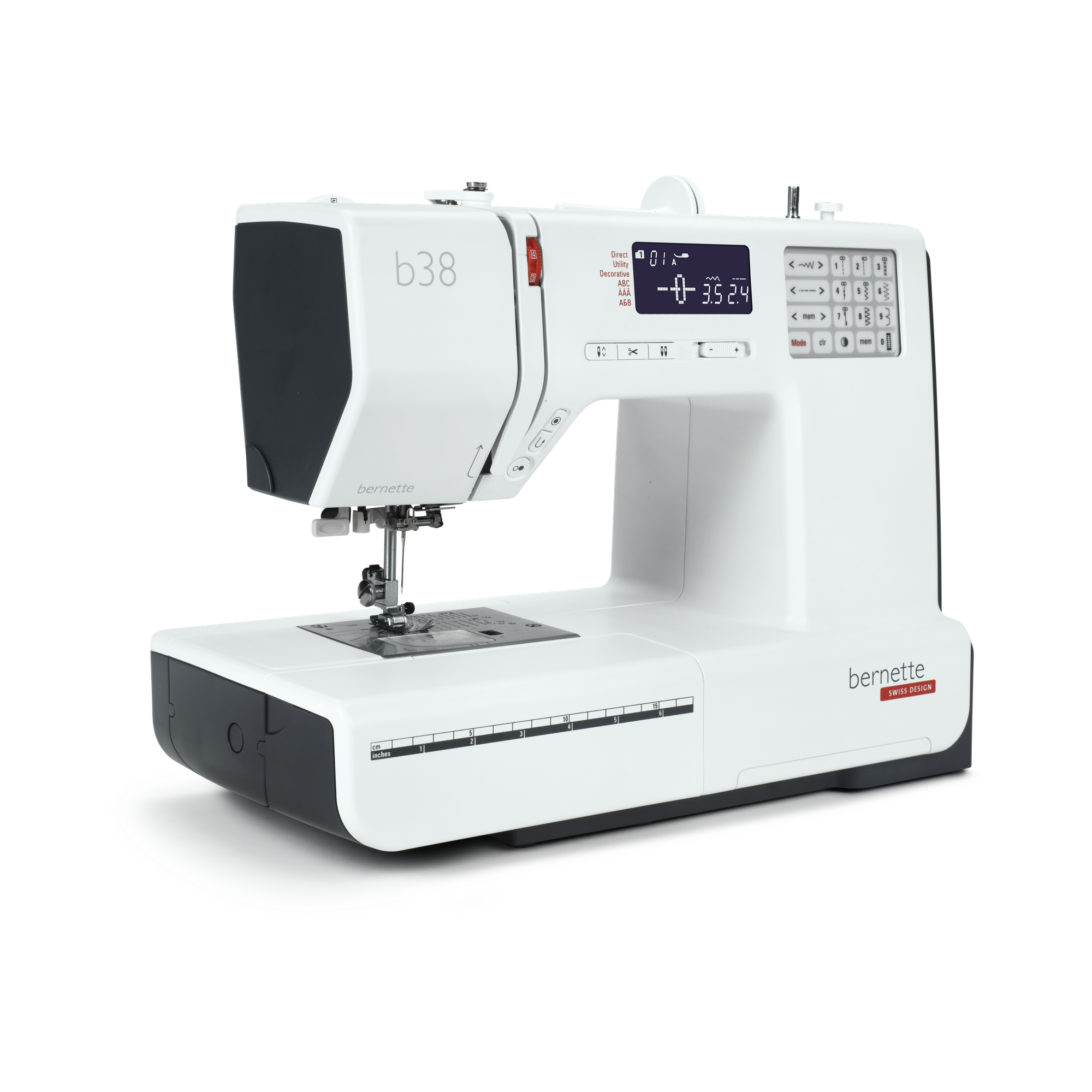
bernette 38
detailwidget.tab.importanttitle
detailwidget.tab.importanttext
Freiarmlänge rechts von der Nadel [Zoll / mm]
170 mm
Automatisches Fadenschneidesystem (Ober- und Unterfaden)
Einstellbarer Nähfussdruck
Mechanisch
Maschinentyp
elektronisch
Stichlänge anpassen
Stichbreite anpassen
Nähstiche und Zeichen insgesamt [Anzahl]
394
Alphabete nähen [Nummer]
3
Maximale Stichbreite [mm]
7 mm
Start-/Stopp-Taste
Unterfadenspuler, oben auf der Maschine
Nadelstopp oben/unten, permanent (oben/unten)
Elektronischer Fussanlasser
Gewicht Maschine
6,400 g
Freiarmlänge rechts von der Nadel [Zoll / mm]
170 mm
Höhe des Arbeitsbereichs [Zoll / mm]
109 mm
Spulenhalter [Nummer]
2
Hauptmotor, Typ
DC
Nadel halbautomatisch einfädeln
Automatisches Fadenschneidesystem (Ober- und Unterfaden)
Greifersystem
Drop-in
Versenkbarer Transporteur
bernette Zweistufige Nähfussanhebung
Einstellbarer Nähfussdruck
Mechanisch
Position des Bildschirms
zentral
Bildschirmgrösse LCD [Zoll]
2.9 inch
Anzahl der LEDs
1
Beleuchtung über der Nadel
Geschwindigkeitsregler
Maschinentyp
elektronisch
Stichlänge anpassen
Balance Vorwärts-/Rückwärtslauf
Musterende
Stichbreite anpassen
Spiegeln horizontal/vertikal
Gesamtzahl der Knopflöcher
8
Einstufen-Knopfloch
Knopflochautomatik mit 3A-Füssen (auto)
Nadelpositionen (rechts / links) [Anzahl]
15
Nähfuss empfohlen (Anzeige)
Zierstiche nähen insgesamt [Anzahl]
67
Nähstiche und Zeichen insgesamt [Anzahl]
394
Alphabete nähen [Nummer]
3
Freiarmumfang in der Nadelposition [mm]
290 mm
Maximale Stichbreite [mm]
7 mm
Maximale Nähgeschwindigkeit [spm]
820 spm
Verstellbare Oberfadenspannung
manuell
Nähfuss-System
Snap-on
Start-/Stopp-Taste
Rückwärts-Taste (manuelles Vernähne)
Nutzstiche
20
Quiltstiche
25
Stopfprogramme
2
Anschiebetisch
Stichmusterkarte
Staubpinsel
Nadelsortiment
Netz für Oberfadenspulen
Staubschutzhauben
Zubehörbox
Fadenschneider, Kopf / links

Tutorials

b38 + b37 Tutorial – How to sew on a button (5/7)
You will find additional information at http://www.mybernette.com The right button for every buttonhole: With your b38 or b37, it is very easy to sew on buttons and we will show you just how to do it in this tutorial video. First select the zigzag stitch and reduce the sewing speed. In your accessory box you will find the button-sew-on foot T, which you will now attach to your bernette sewing machine. Lower the feed dog and lower the needle with the hand wheel into the left hole of the button. Once you have lowered the sewing foot, sew three stitches and then stop. Now check with the hand wheel whether the needle fits into the right hole or whether you need to change the stitch width. Then sew several stitches with the foot control. Finally you just have to press the "Automatic sewing up" button and you can lift the feed dog again: your sewn-on button is now done!
b38 + b37 Tutorial – How to sew on a button (5/7)
b38 + b37 Tutorials – Buttonholes (4/7)
b38 Tutorial – Starting to sew (3/7)
Discover the new bernette models! (short version)
For more information please visit: http://www.mybernette.com Do you want to be creative and sew your own things? Or alter and embellish your clothing? Then the new bernette models in the stylish two-color Swiss design are perfect for you! They are easy to use, have numerous functions with excellent stitch quality, and are durable as well as affordably priced. Experience creative sewing fun at a high level and don't settle for less.
Discover the new bernette models! (short version)
b38 Tutorial – Selecting and combining stitches (6/7)
You will find additional information at http://www.mybernette.com In this tutorial video for your bernette 38, we show you how you can select stitches and combine them with each other. As soon as you switch on the sewing machine, all of the stitches are available to choose from on the display. The straight stitch is always selected first. If you would like to select a different stitch, you will find an overview in the accessories drawer. You can use the number of the respective stitch pattern to very easily switch to the corresponding mode. The selected stitch pattern can then be saved with the save button. Then you can select a second stitch pattern and then press the mirror image button and then the save button again. In the video, we show you exactly what you must do if you would like to combine several stitches and designs with your b38. You can sew a programmed combination once or several times and then have your bernette automatically sew up and trim the threads.
b38 Tutorial – Selecting and combining stitches (6/7)
b38 + b37 Tutorial – Bobbin winding and threading (2/7)
You will find additional information at http://www.mybernette.com How is the bobbin wound with your b38 or b37 and how is it threaded correctly? In this video tutorial, we show you how you very easily first insert the reel of thread and secure the thread guide spring washer. Next, you pull the thread into the bobbin, press the bobbin to the right and start the winding with the foot control or with the start / stop button. Then you can thread the upper thread, press the foot control and then raise the lower thread. With these step-by-step instructions, everything is very easy to understand so that you are perfectly prepared for your sewing project.
b38 + b37 Tutorial – Bobbin winding and threading (2/7)
b38 + b37 Tutorial – Getting ready to sew (1/7)