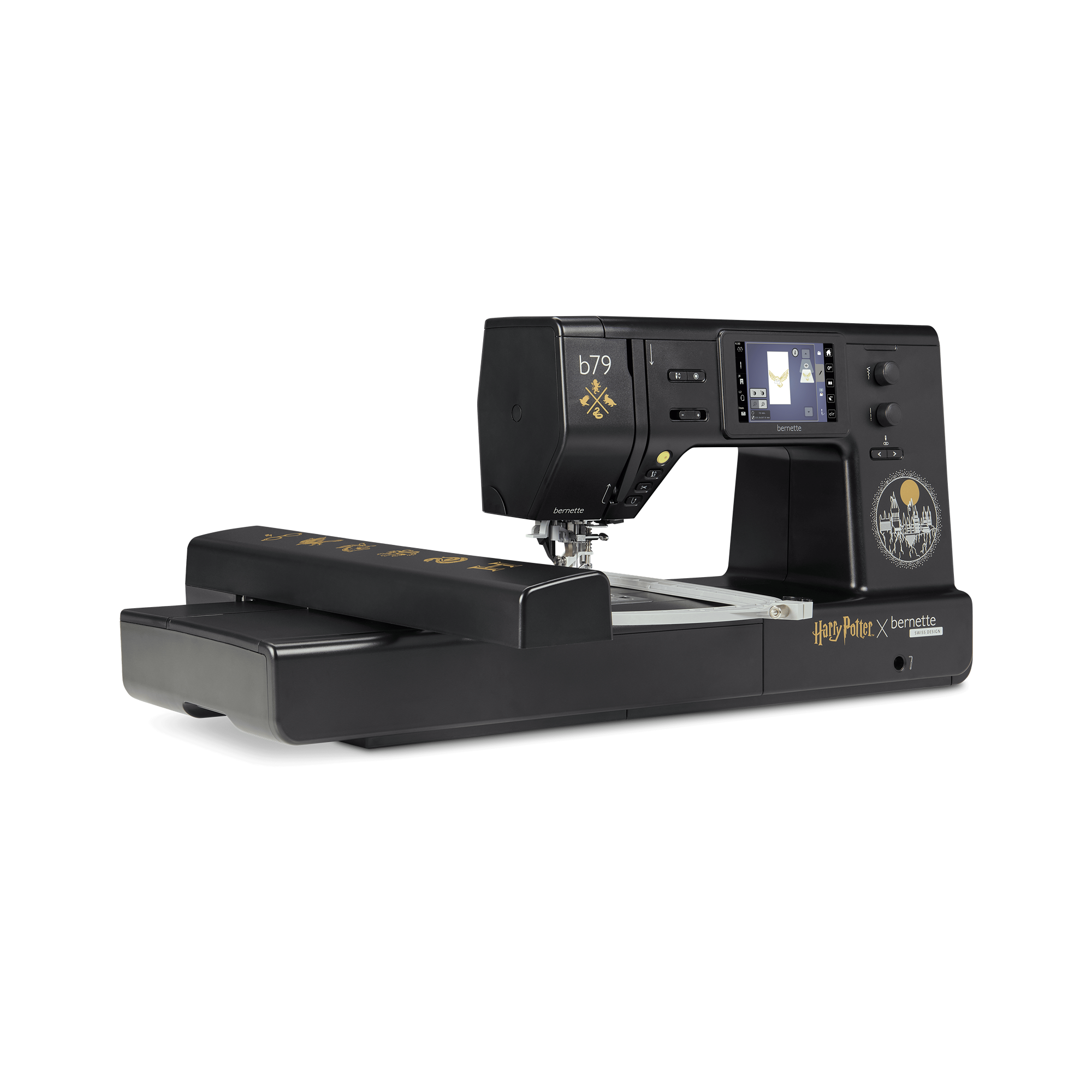
bernette 79 Harry Potter
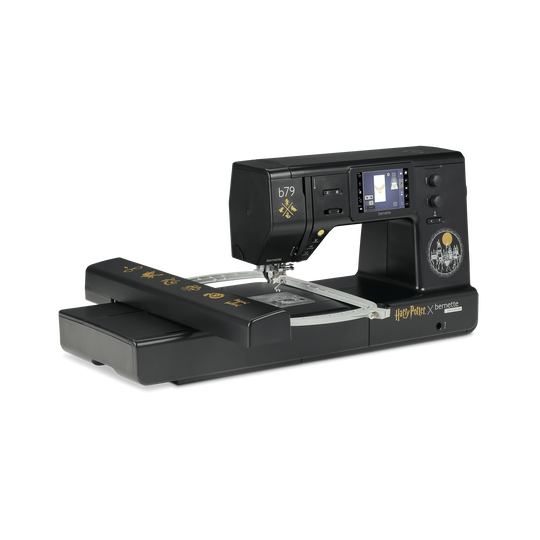
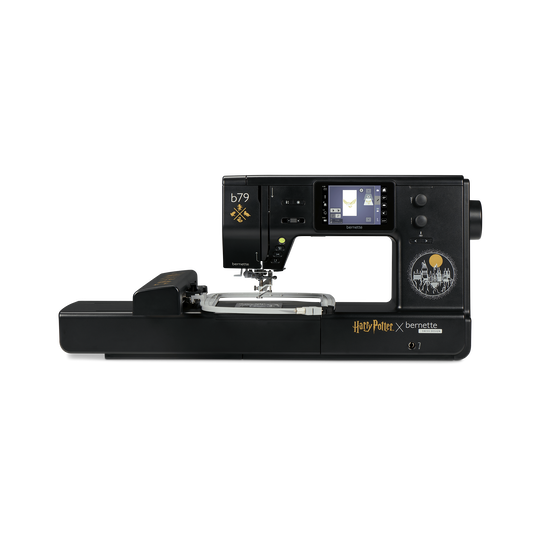
bernette 79 Harry Potter
label.item 5227900006
2'295.00 CHF
label.availability:
  • label.preorder.withdate
  • 29. Jun 2026

bernette 79 Harry Potter
label.item 5227900006
bernette 79 Harry Potter image number
custom-attributes


label.description

Bring Magic to your Fabric


label.attributes

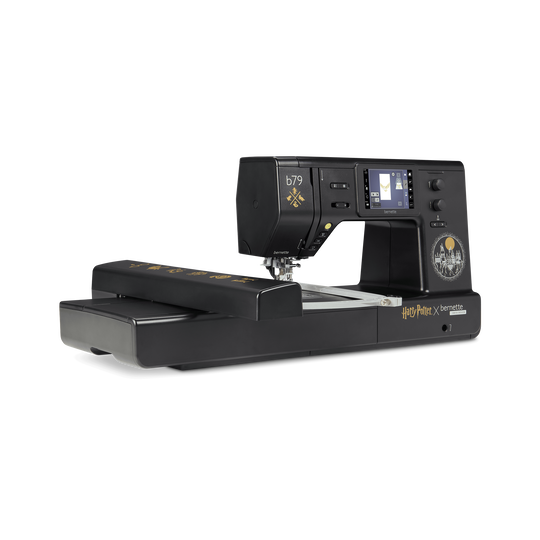
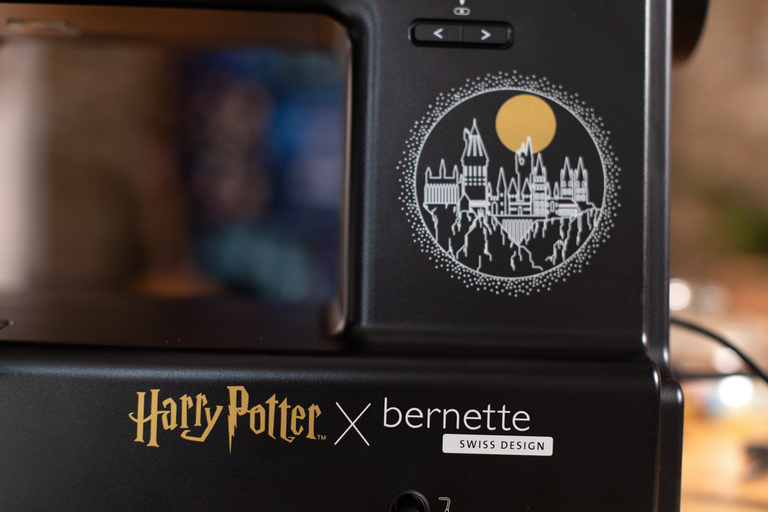
  • Exclusive “Harry Potter” machine design with hidden details
  • Stitch package with 500 stitches, plus 5 exclusive Harry Potter decorative stitches
  • 250 pre-installed embroidery designs, including 42 Harry Potter designs
  • Plus 10 exclusive Harry Potter embroidery designs
  • Large embroidery area up to 260 x 160 mm
null

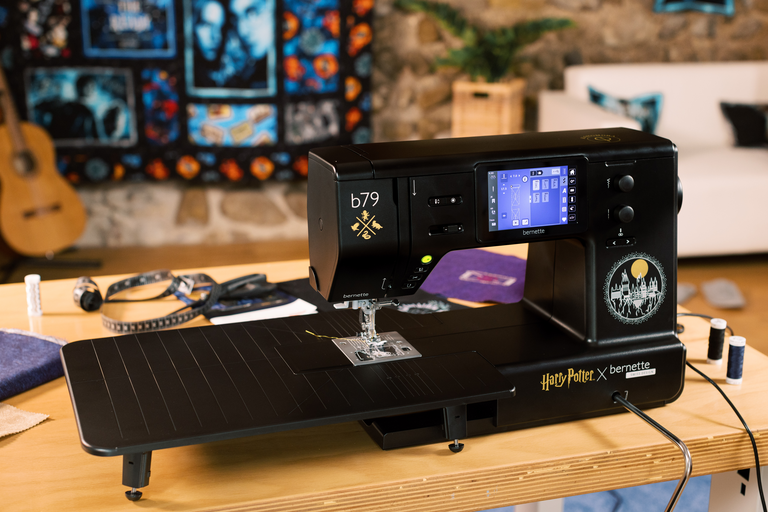
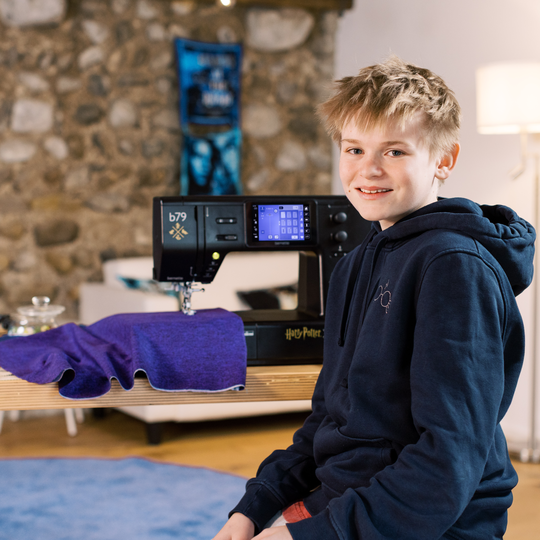
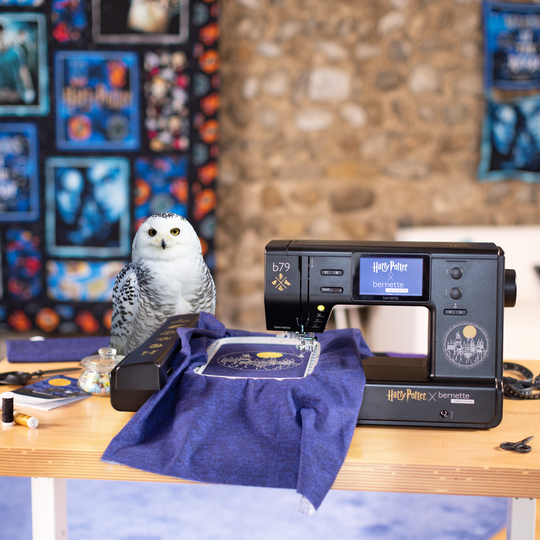
Magical design for true Harry Potter fans


Bring the world of Harry Potter into your sewing room and let it inspire you throughout every project. Thoughtfully designed details on and inside the machine are waiting for you to discover them.

Every session with the b79 Harry Potter becomes a small escape into your very own magical world.

null

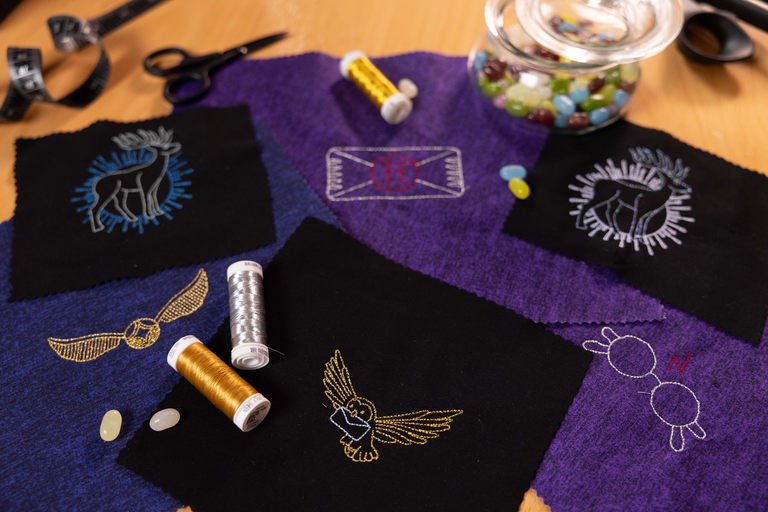
52 Harry Potter embroidery designs


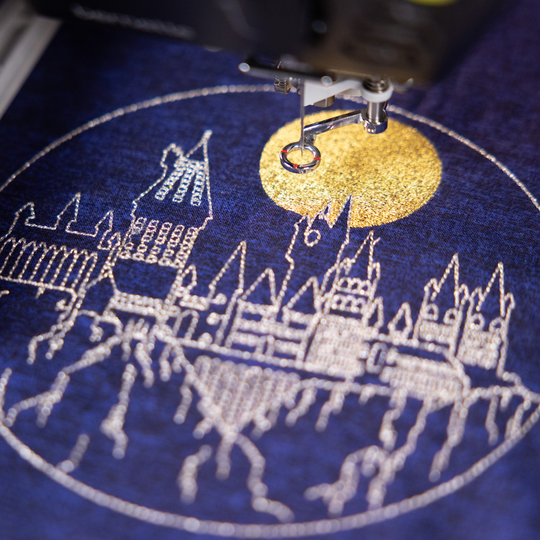
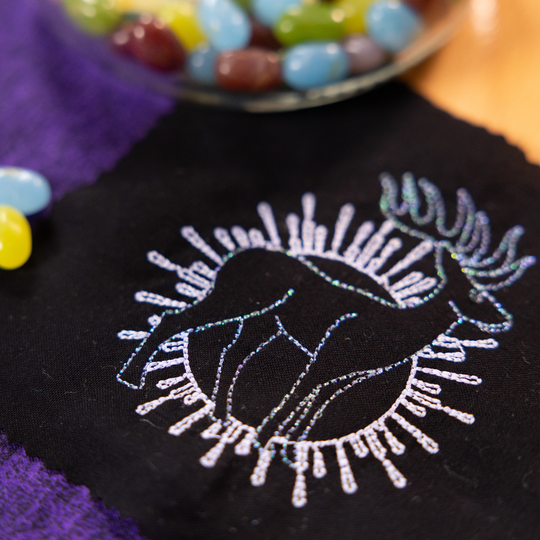
10 exclusive Harry Potter embroidery designs bring the spirit of Hogwarts into your projects. Whether on hoodies, shirts or home décor, they create accents that feel light yet leave a lasting impression, even small projects gain a special kind of magic. These designs are available exclusively on the bernette 79 Harry Potter and turn every creation into something truly special.
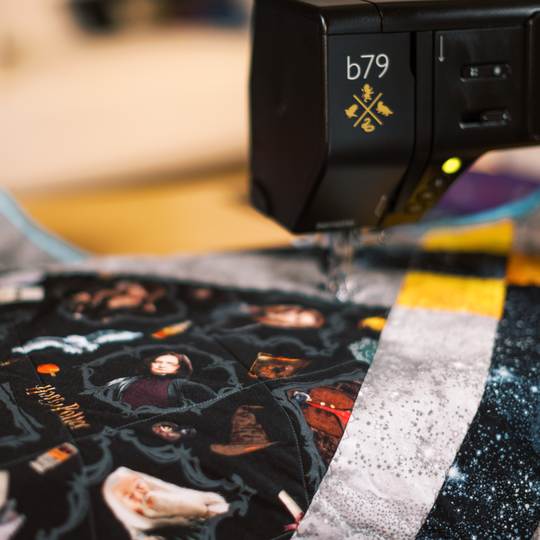
And the magic does not stop at ten. With 42 additional preinstalled Harry Potter embroidery designs from the OESD library, you have even more freedom to explore new creative adventures.

null

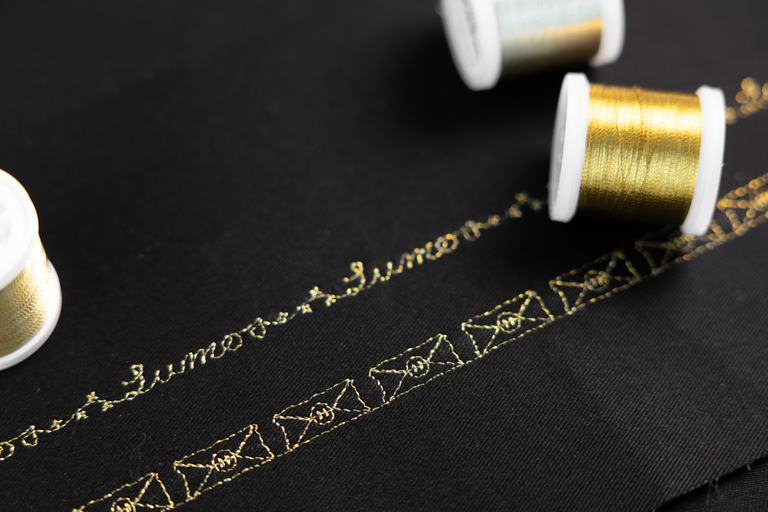
5 exclusive Harry Potter decorative stitches


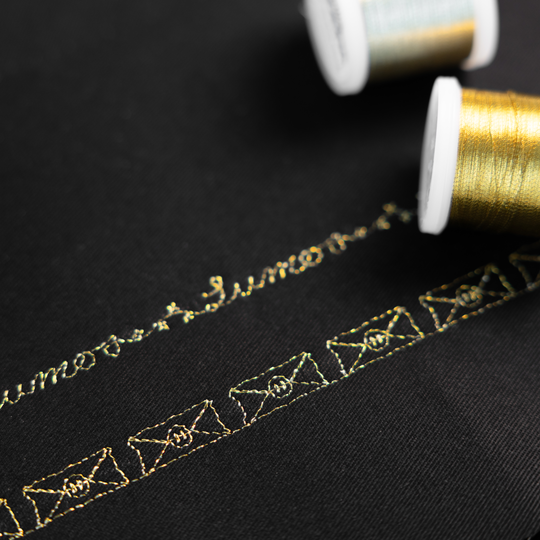
These five decorative stitches are not something you find just anywhere. They are another standout highlight of the b79 Harry Potter. Whether you want to give hems a creative twist, accentuate edges or add a subtly magical texture to your quilting, these stitches catch the eye without stealing the show.

On your b79 Harry Potter, you can combine the decorative stitches directly on the screen to match your own style and turn every project into something truly one of a kind.

null

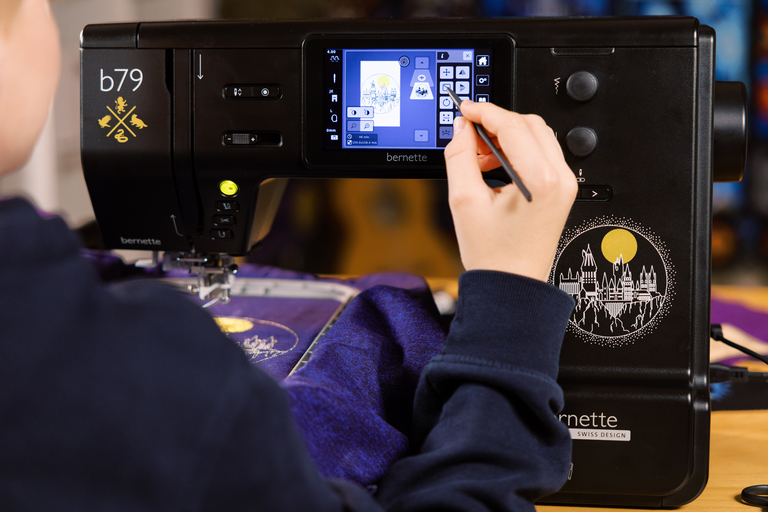
Create directly on screen


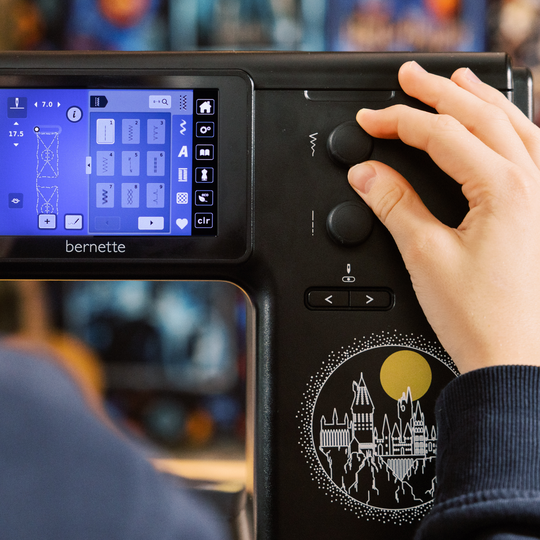
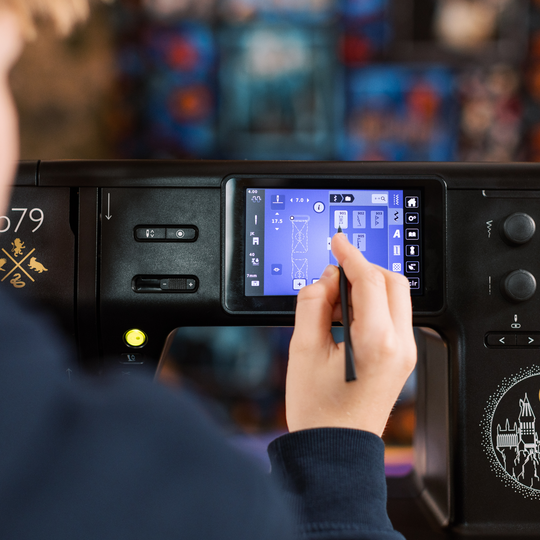
On the 5-inch color touchscreen, you can edit designs and stitches intuitively to match your project. Rotating, mirroring and combining feels effortless until everything fits your idea perfectly.

null

Plenty of space for big ideas


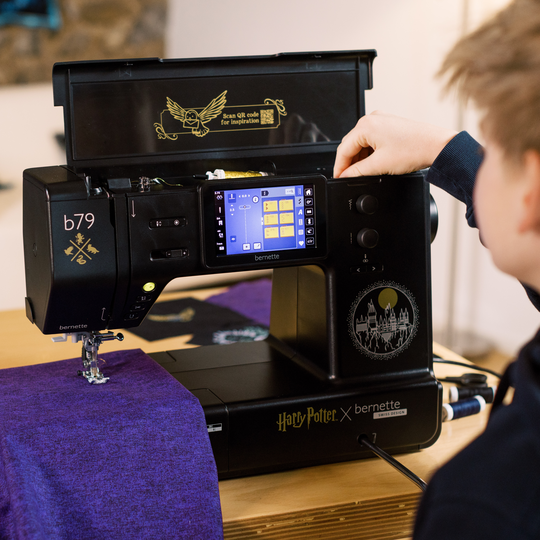
The large slide-on table is made for projects that need extra room. Whether it’s a Hogwarts cloak or a cozy quilt, the fabric glides almost as if by magic and stays perfectly on track.

null

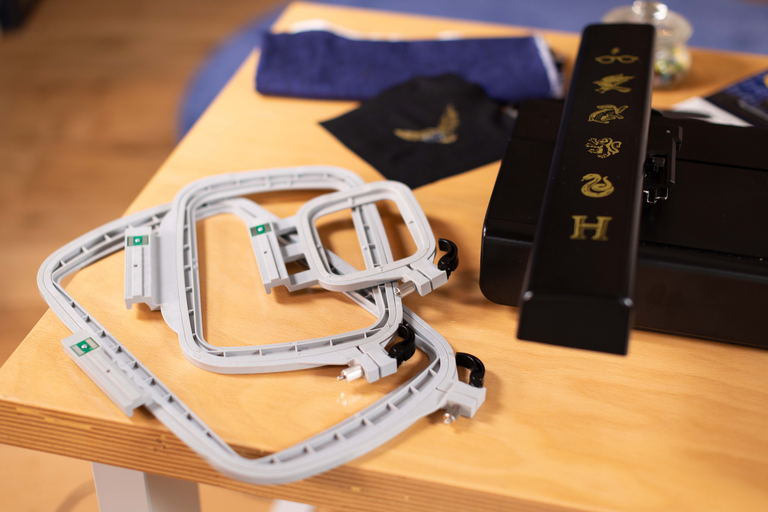
3 embroidery hoops included


With embroidery hoops in three sizes, you are ready for any project. From compact designs to large motifs up to 10” x 6” (260 x 160 mm), everything is possible, including automatic hoop recognition directly on the touchscreen.


Features and Functions

bernette 79 Harry Potter
detailwidget.tab.importanttitle
detailwidget.tab.importanttext
bernette Free Hand System (FHS)
Freearm length to the right of the needle [inch / mm]
230 mm
Automatic thread cutting system (upper and lower thread)
bernette Dual Feed
Bildschirmgrösse Touchscreen [Zoll]
5 inch
Touch screen
Stitch plate detection sensor
Sensor upper thread control
Sensor bobbin thread control
Machine Type
electronic
Stitch designer integrated in machine
Sewing stitches and characters in total [number]
500
On-screen Editing of Designs
Stitch width max [mm]
7 mm
Read competition embroidery formats (stitch based)
Save design
Built-in Embroidery alphabets (horizontal&vertical=1)
7
Built-in Embroidery designs
260
Setup- Embroidery - Thread cutter by colour change on/off
Embroidery field max, effective space [inch / mm]
260x160
USB-Anschluss (Host)
Bobbin winder, top of machine
Nadelstopp oben/unten, permanent (oben/unten)
Feed dog drops automatically (quilting, embroidering)
Help Center
Setup- Sewing - foot control function settings
Setup- Display settings - Display brightness
bernette Foot Control with Back-kick Function (programmable)
bernette Free Hand System (FHS)
Measurements of the embroidery module L / W / H [mm]
690 480 315
Weight of embroidery module [lbs/kg]
3,650 g
Gewicht Maschine
9,800 g
Freearm length to the right of the needle [inch / mm]
230 mm
Workspace height [inch / mm]
127 mm
Total memory [MB]
4 MB
Spool holder [number]
2
Main motor, Type
DC
Hammer-mode for piercing force
Needle threading, semi-automatic
Automatic thread cutting system (upper and lower thread)
Adaptive thread tension, dynamic
Hook system
Drop-in
bernette Dual Feed
bernette Two Level Presser Foot Lift
Presser foot lift, automatic
Adjustable Presser Foot Pressure
Automatic
Screen position
centrally
Bildschirmgrösse Touchscreen [Zoll]
5 inch
Touch screen
ECO function
Number of LEDs
4
Illumination above the needle
speed control
Stitch length knob (multifunctional knob)
Stitch plate detection sensor
Sensor upper thread control
Sensor bobbin thread control
Machine Type
electronic
Adjust stitch length
Balance forward / reverse feed
Pattern begin
Pattern end
Adjust stitch width
Reverse sewing, permanent
Backstepping, permanent
Mirror horizontally/vertically
Pattern elongation
Distortion
Gesamtzahl der Knopflöcher
16
Buttonhole automatic with 3A feet (auto)
Button sew on program (#60)
Basting stitch no. 21 (with bast-matic)
Securing stitch (stitch #5)
Needle positions (right / left) [number]
15
Memory (Kurzzeitspeicher)
Add current stitch (personal program)
Stitch designer integrated in machine
Presser foot recommended (display)
Save combination
Duplicate Stitch in Combination
Sewing decorative stitches in total [number]
133
Sewing stitches and characters in total [number]
500
Sewing alphabets [number]
3
Total stitch control
Musterwiederholung
1-9x
Presser Foot Library
Presser foot selection
Security function needle settings
On-screen Editing of Designs
Embroidery Design Import/Export via USB Interface
Creative consultant Sewing
Setup- Sewing - auto securing settings
Freearm circumference in the needle position [mm]
295 mm
Stitch width max [mm]
7 mm
Sewing speed maximum [spm]
1,000 spm
Sewing speed minimum [spm]
100 spm
Drag & Drop
Adjustable Upper Thread Tension
automatic
Presser foot system
Snap-on
Pivot / hover function
Start-stop button
Quick Reverse button (hand operated securing)
Practical Stitches
22
Quilting Stitches
35
Darning Programs
2
Read competition embroidery formats (stitch based)
Save design
Restore last embroidery position
Stitchout time
Hoop recognition
Absolute check
Virtuelle Positionierung
Check box
Basting stitch inside hoop / around design
Embroidery sequence control
CutWork Tool support
Built-in Embroidery alphabets (horizontal&vertical=1)
7
Built-in Embroidery designs
260
Move pattern
Resize pattern: proportional (limited to 80%-120%)
Stichdichte einstellen
Wordart
Combination of designs and lettering, embroidery
Change thread colours
Monochrom
Setup- Embroidery - Thread cutter by colour change on/off
Setup- Embroidery - Securing stitches manually /automatically
Embroidery field max, effective space [inch / mm]
260x160
Embroidery speed maximum [spm]
850 spm
Setup- Sewing speed
Setup- needle stop adjustment
Setup- sewing light on/off
Slide-on table
Dust brush
Needle assortment
Net for upper thread spools
Dust cover machine
Accessory box
Thread cutter, head / left

Tutorials

b70 DECO + b77 + b79 Tutorial – bobbin winding and threading (1/11)
https://www.mybernette.com/ ¦ Before you start your new sewing or embroidery project with your bernette 70 DECO, b77 or b79, you first need to wind and insert the bobbin and thread the machine. In this tutorial video, we'll show you how easy it is. All you have to do is insert the spool and secure it with the appropriate spool cap. In the video you can see exactly how to guide the thread along the dashed markings through the hole in the bobbin. Then you can start winding the bobbin. If desired, you can adjust the bobbin winding speed. Afterwards, the video shows you how to insert the bobbin the right way and thread the upper thread using the needle threader.
b70 DECO + b77 + b79 Tutorial – bobbin winding and threading (1/11)
The new bernette 70 Series - lots of features at an attractive price
https://www.mybernette.com ¦ Do you want to get creative and sew your own clothes, quilts, or accessories or individually decorate with embroidery? Then the models in the bernette 70 Series are just right for you! They are easy to use, have lots of functions, have a high stitch quality, and are also durable and attractively priced. You have the choice of a sewing machine, an embroidery machine, or a combined machine that can do both. Experience creative sewing enjoyment at the highest level.
The new bernette 70 Series - lots of features at an attractive price
bernette 79 Harry Potter Edition – Discover All Magical Sewing & Embroidery Features
Bring Magic to your Fabric – with the new bernette 79 Harry Potter
b79 Tutorial – Stitch Designer (6/11)
https://www.mybernette.com/ ¦ With the Stitch Designer of your bernette 79 you can easily change existing stitch patterns or even create your own stitch patterns. This tutorial video will show you how to do it step by step. In the first part of the video, you'll see how to edit an existing stitch pattern in the Stitch Designer. We'll show you how to select and move the stitching points and how to add new points. Then the video also shows you how to draw a whole new stitch pattern. For straight-line patterns, you can activate a grid so that your points are automatically placed on the grid points. Of course, all stitches you have created or modified in the Stitch Designer can also be stored in the "Personal Memory" for later use.
b79 Tutorial – Stitch Designer (6/11)
b70 DECO + b79 Tutorial – Embroidering with the CutWork Tool (11/11)
b70 DECO + b79 Tutorial – Combine embroidery motifs (10/11)
b70 DECO + b79 Tutorial – Prepare for embroidery (8/11)
b77 + b79 Tutorial – Buttonholes (7/11)
https://www.mybernette.com/ ¦ Buttonholes are really easy to sew with your bernette 77 or bernette 79. You can see the necessary steps in this tutorial video. The button slides into the button holder, which is then closed together firmly. Then you attach the buttonhole foot and pull the button lever down as far as possible. Now you're ready to sew a test buttonhole on another piece of fabric. Your bernette sewing machine stops automatically when it's done. You can then carefully cut the buttonhole from both ends to the middle and check the buttonhole size. If necessary, you adjust the buttonhole length a little, then mark the position of the buttonhole on your fabric and sew the desired buttonhole.
b77 + b79 Tutorial – Buttonholes (7/11)
b77 + b79 Tutorial – Starting to Sew (2/11)
b77 + b79 Tutorial – Presser feet and their usage (3/11)
https://www.mybernette.com/ ¦ Which presser foot is used for which stitch? As soon as you have selected a suitable utility stitch on your bernette 77 or bernette 79, you will see in the presser foot display menu which presser foot can be used. The tutorial video shows you how easy it is to change the presser foot sole: just lift the presser foot, press on the front edge and remove the previous sole. Then you can attach the new presser foot sole so that it snaps into place. Does your selected presser foot have an opening at the back? Then engage the dual feed so that the fabric can be guided through the machine evenly from above and below. In the video, we also show you the different presser feet and their special applications: There is the zigzag foot DA, which is suitable for most sewing. The embroidery foot JK is for applications and decorative stitches. Also, there is the zipper foot RB, the buttonhole foot RJ, the button sewing foot RC, a blindstitch foot DM for barely visible hems, the overlock foot and the embroidery foot RX for freehand embroidery and darning. Additional presser feet are available as optional accessories.
b77 + b79 Tutorial – Presser feet and their usage (3/11)
b77 + b79 Tutorial – Combining stitch patterns (5/11)
https://www.mybernette.com/ ¦ With your bernette 77 or bernette 79, you can combine different letter and decorative stitch patterns and then have them stitched in one go as a stitch combination. In this tutorial video, you'll learn how to easily select and edit the stitch pattern you want to use. You can sew your stitch pattern once or even several times. Securing stitches are added automatically at the end. In your "Personal Memory", your collected pattern combination can also be stored permanently. This will allow you to recall and reuse your saved combination at any time.
b77 + b79 Tutorial – Combining stitch patterns (5/11)