bernette 70 DECO
label.item 5222070106
1'495.00 CHF
label.availability:
  • label.instock

bernette 70 DECO
label.item 5222070106
bernette 70 DECO image number

custom-attributes


label.description

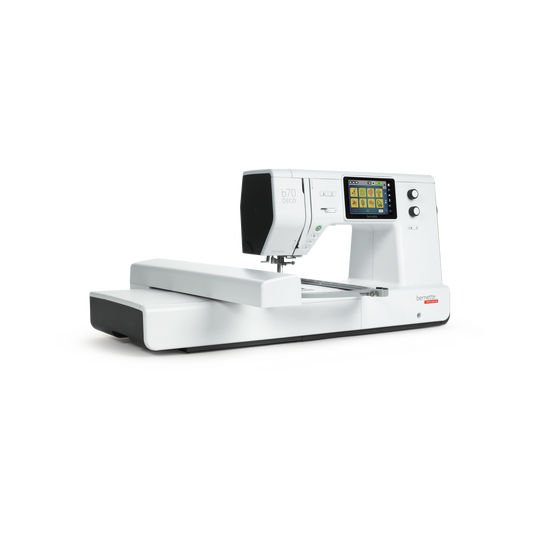
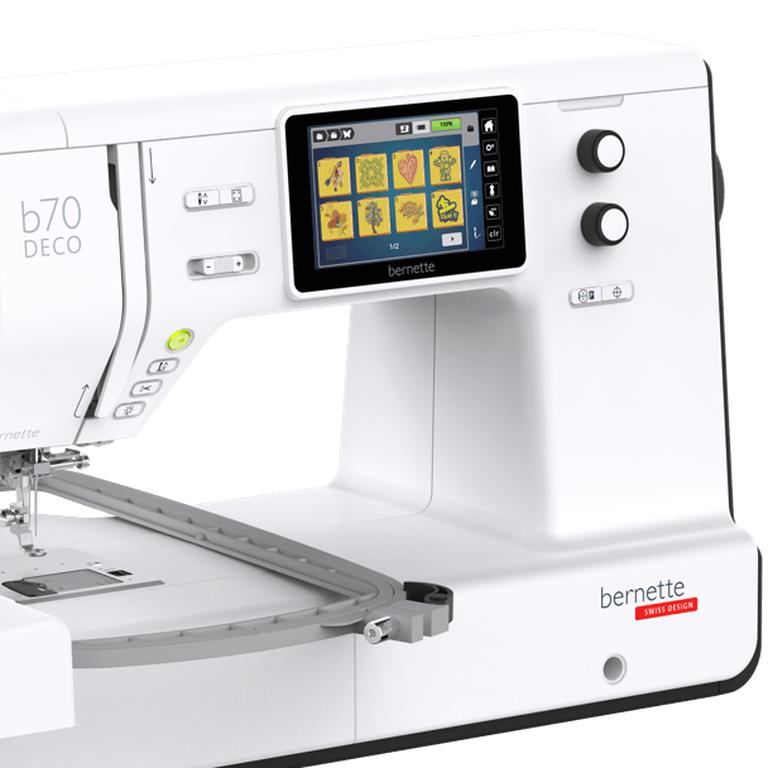
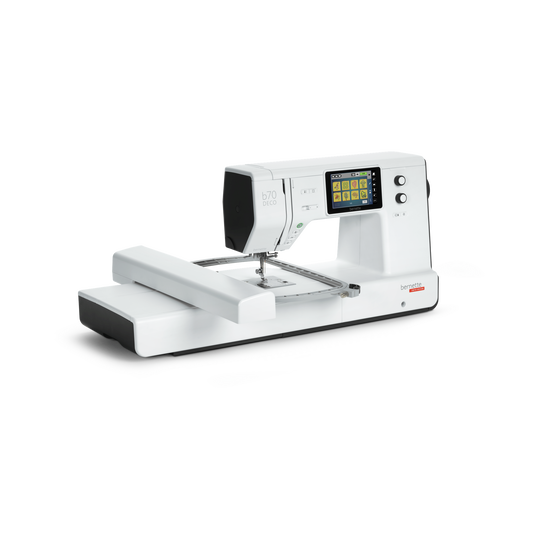
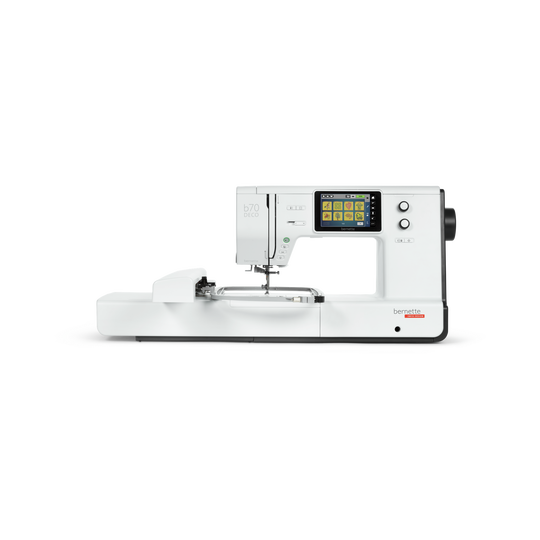
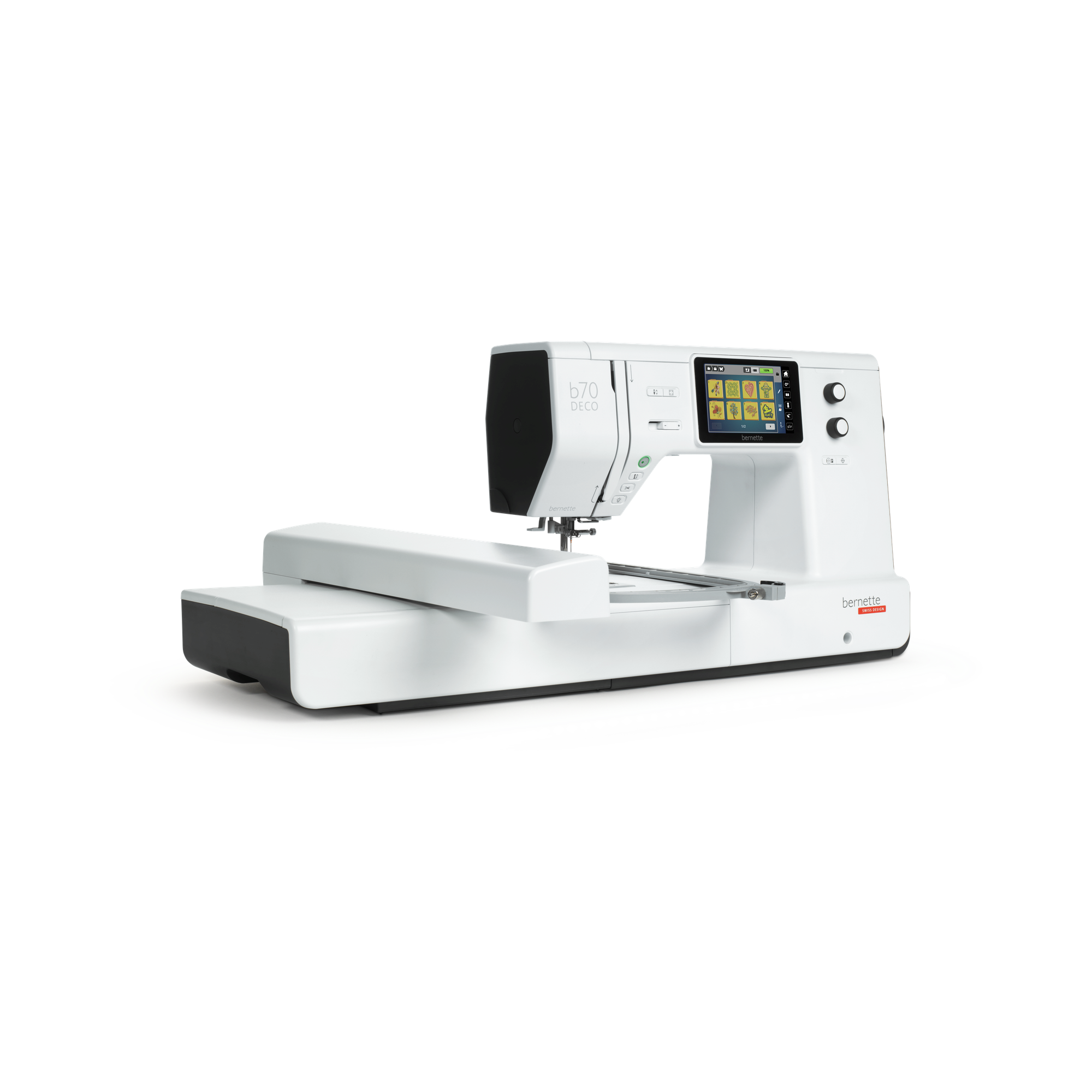
Your reliable embroidery machine for large and small projects with 5" touch screen

label.attributes

  • 5-inch color touch screen to conveniently edit embroidery motifs
  • Easy and quick operation via multi-function knobs
  • Embroidery module with 3 hoops and embroidery hoop detection
  • Maximum embroidery area of 260 x 160 mm for large designs
  • 208 preinstalled embroidery motifs
null

Easy to use with touchscreen and multi-function knobs


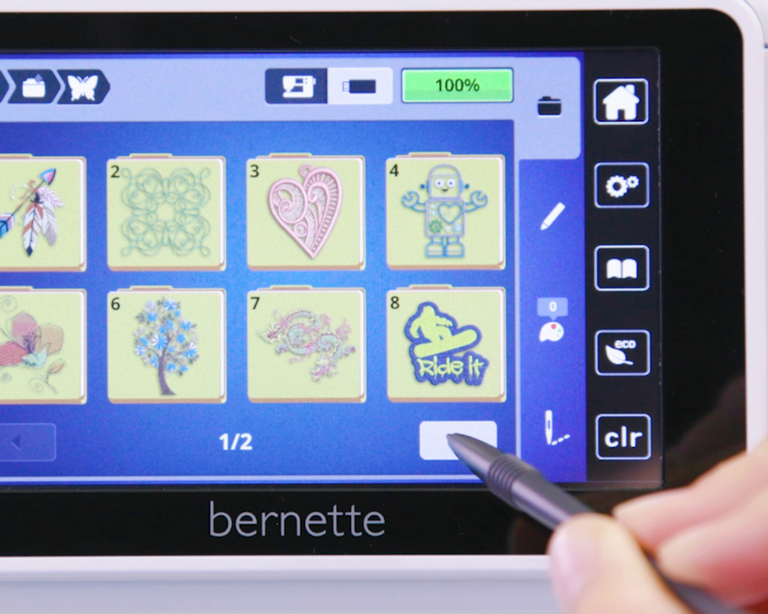
Find the right embroidery design, edit and position it via drag & drop by using the 5-inch color touch screen, which is optimally positioned in the center of the machine. Finetune the size and position of your embroidery motif via the multi-function knobs. Access the embroidery tutorials for tips on how to operate your machine and embroidery module.

null

Embroidery module with three different sized hoops and hoop detection


With three hoops included, it is easy to find the right hoop for each size of your embroidery designs. You can embroider motifs with up to 260 x 160 mm without re-hooping. The hoops are easy to open and close with a quick release system. The automatic hoop detection ensures that you see the defined embroidery area of each hoop on the touch screen, so you can optimally adapt your embroidery design.
null

Creative possibilities with embroidery designs


With 208 embroidery designs and 7 embroidery alphabets installed, a wide selection of motifs is at your fingertips. The motifs can be edited on the touch screen, so you can easily rotate, flip, or combine design elements. The b70 DECO is compatible with most embroidery design formats – no need to convert files in a software program anymore.

null

Convenient upper and lower thread sensors


The upper or lower thread sensors ensure that your machine immediately stops to embroider, when one of your bobbins runs empty. You can continue embroidering your motif seamlessly as soon as the bobbin is filled up again.

null

Adjusting the presser foot pressure and thread tension to suit the material


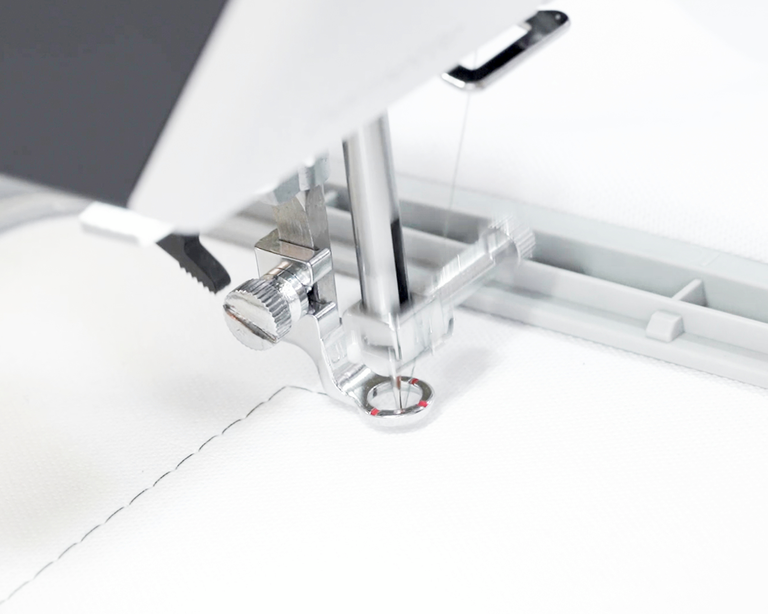
When embroidering, the right thread tension is essential. For some materials, such as lightweight or thin fabrics, it's good to individually adjust the presser foot pressure and the thread tension. Your bernette 70 DECO offers these practical features. Voluminous projects can be challenging, but with the included hopper embroidery foot the stitches turn out beautifully.
null

Embroidery made easy


The basting stitches ensure your fabric doesn’t slip from the stabilizer. You no longer have to cut off the threads when you change color or trim them between jump stitches. All the threads are cut off automatically while you embroider.
null

Even more convenience


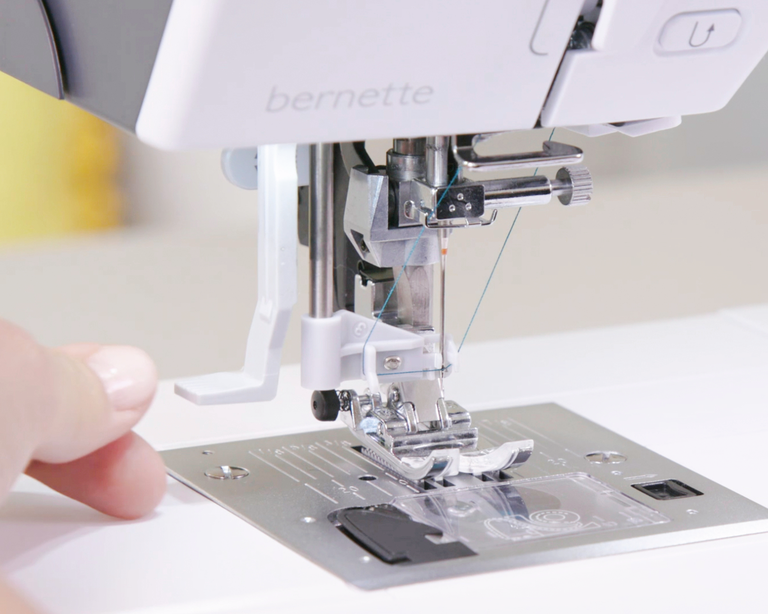
With the semi-automatic needle threader threading is a breeze – the presser foot is automatically lowered to the correct position and the additional thread cutter holds the thread in place.


Features and Functions
bernette 70 DECO
detailwidget.tab.importanttitle
detailwidget.tab.importanttext
Bildschirmgrösse Touchscreen [Zoll]
5 inch
Touch screen
Sensor upper thread control
Sensor bobbin thread control
On-screen Editing of Designs
Read competition embroidery formats (stitch based)
Hoop recognition
Built-in Embroidery alphabets (horizontal&vertical=1)
7
Built-in Embroidery designs
208
Setup- Embroidery - Thread cutter by colour change on/off
Embroidery field max, effective space [inch / mm]
260 x 160 mm
Embroidery speed maximum [spm]
850 spm
USB-Anschluss (Host)
Bobbin winder, top of machine
Setup- Display settings - Display brightness
Electronic Foot Control
Measurements of the embroidery module L / W / H [mm]
710 475 315
Weight of embroidery module [lbs/kg]
3,650 g
Gewicht Maschine
8,140 g
Workspace height [inch / mm]
127 mm
Total memory [MB]
4 MB
Spool holder [number]
2
Main motor, Type
DC
Hammer-mode for piercing force
Needle threading, semi-automatic
Automatic thread cutting system (upper and lower thread)
Hook system
Drop-in
Versenkbarer Transporteur
Presser foot lift, automatic
Screen position
centrally
Bildschirmgrösse Touchscreen [Zoll]
5 inch
Touch screen
ECO function
Number of LEDs
4
Illumination above the needle
speed control
Stitch length knob (multifunctional knob)
Sensor upper thread control
Sensor bobbin thread control
Machine Type
electronic
Presser foot recommended (display)
Presser Foot Library
Presser foot selection
On-screen Editing of Designs
Embroidery Design Import/Export via USB Interface
Sewing speed maximum [spm]
0 spm
Drag & Drop
Adjustable Upper Thread Tension
manual
Presser foot system
Snap-on
Start-stop button
Read competition embroidery formats (stitch based)
Save design
Restore last embroidery position
Stitchout time
Hoop recognition
Absolute check
Check box
Basting stitch inside hoop / around design
Embroidery sequence control
CutWork Tool support
Built-in Embroidery alphabets (horizontal&vertical=1)
7
Built-in Embroidery designs
208
Move pattern
Change the embroidery layers sequence by drag and drop
Resize pattern: proportional (limited to 80%-120%)
Stichdichte einstellen
Wordart
Combination of designs and lettering, embroidery
Change thread colours
Monochrom
Setup- Embroidery - Thread cutter by colour change on/off
Setup- Embroidery - Securing stitches manually /automatically
Embroidery field max, effective space [inch / mm]
260 x 160 mm
Embroidery speed maximum [spm]
850 spm
Setup- sewing light on/off
Dust brush
Needle assortment
Net for upper thread spools
Dust cover machine
Thread cutter, head / left

Tutorials

The new bernette 70 Series - lots of features at an attractive price
https://www.mybernette.com ¦ Do you want to get creative and sew your own clothes, quilts, or accessories or individually decorate with embroidery? Then the models in the bernette 70 Series are just right for you! They are easy to use, have lots of functions, have a high stitch quality, and are also durable and attractively priced. You have the choice of a sewing machine, an embroidery machine, or a combined machine that can do both. Experience creative sewing enjoyment at the highest level.
The new bernette 70 Series - lots of features at an attractive price
b70 DECO + b79 Tutorial – Embroidering with the CutWork Tool (11/11)
https://www.mybernette.com/ ¦ The so-called CutWork Tool is available for your bernette 70 DECO or bernette 79 as an optional accessory. Instead of a needle, here you work with a small knife that can be rotated in four positions. For example, with the CutWork Tool, you can create appliqués or eyelet embroideries or cut out several layers of fabric at the same time. The tutorial video will show you how and where to select the CutWork patterns and how to proceed step by step.
b70 DECO + b79 Tutorial – Embroidering with the CutWork Tool (11/11)
b70 DECO + b79 Tutorial – Combine embroidery motifs (10/11)
b70 DECO + b79 Tutorial – Prepare for embroidery (8/11)
b70 DECO + b77 + b79 Tutorial – bobbin winding and threading (1/11)
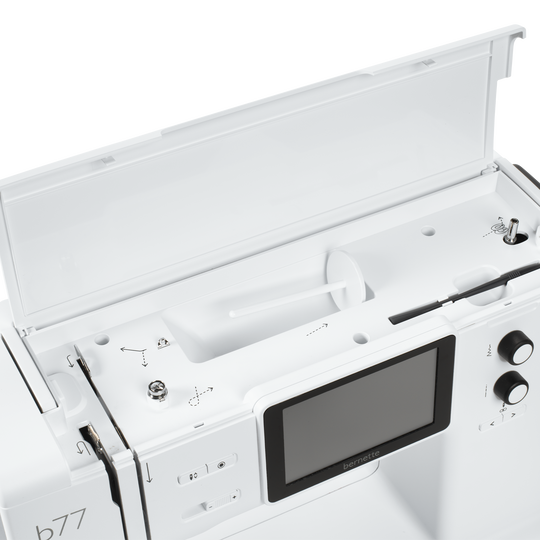
https://www.mybernette.com/ ¦ Before you start your new sewing or embroidery project with your bernette 70 DECO, b77 or b79, you first need to wind and insert the bobbin and thread the machine. In this tutorial video, we'll show you how easy it is. All you have to do is insert the spool and secure it with the appropriate spool cap. In the video you can see exactly how to guide the thread along the dashed markings through the hole in the bobbin. Then you can start winding the bobbin. If desired, you can adjust the bobbin winding speed. Afterwards, the video shows you how to insert the bobbin the right way and thread the upper thread using the needle threader.
b70 DECO + b77 + b79 Tutorial – bobbin winding and threading (1/11)